Compare Two Images, or Check One
Spot the changes nobody will notice by eye, or find out what is holding a single photo back.
Two files
Compare two images
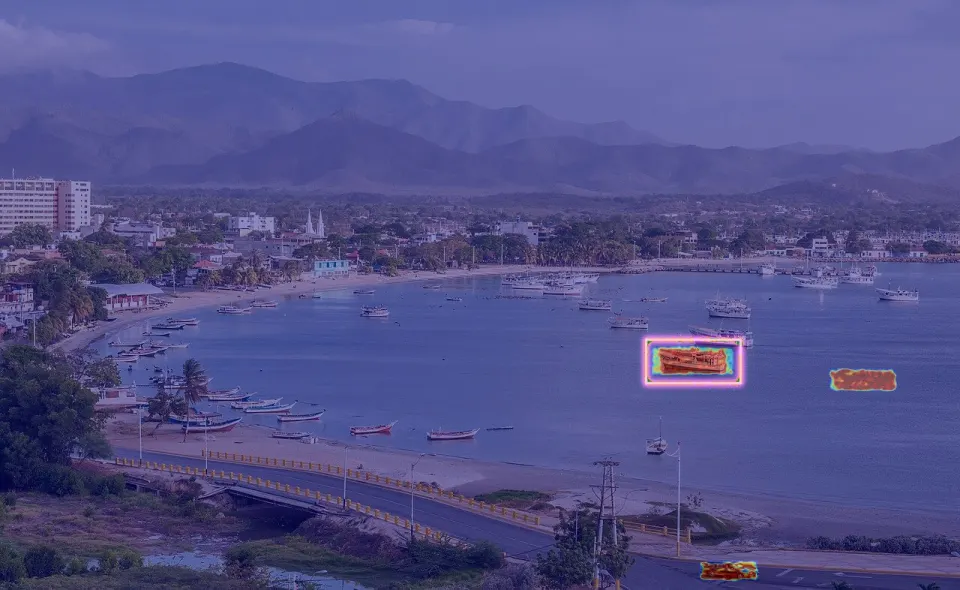
Upload two versions. DiffALL scores how alike they are in shape and in colour, and marks every region that changed.
- A heatmap of every changed region
- Colour changes count, not only shapes
- A flexible mode that aligns photos taken from slightly different angles
- Screenshots, renders and photographs alike
One file
Check one image's quality
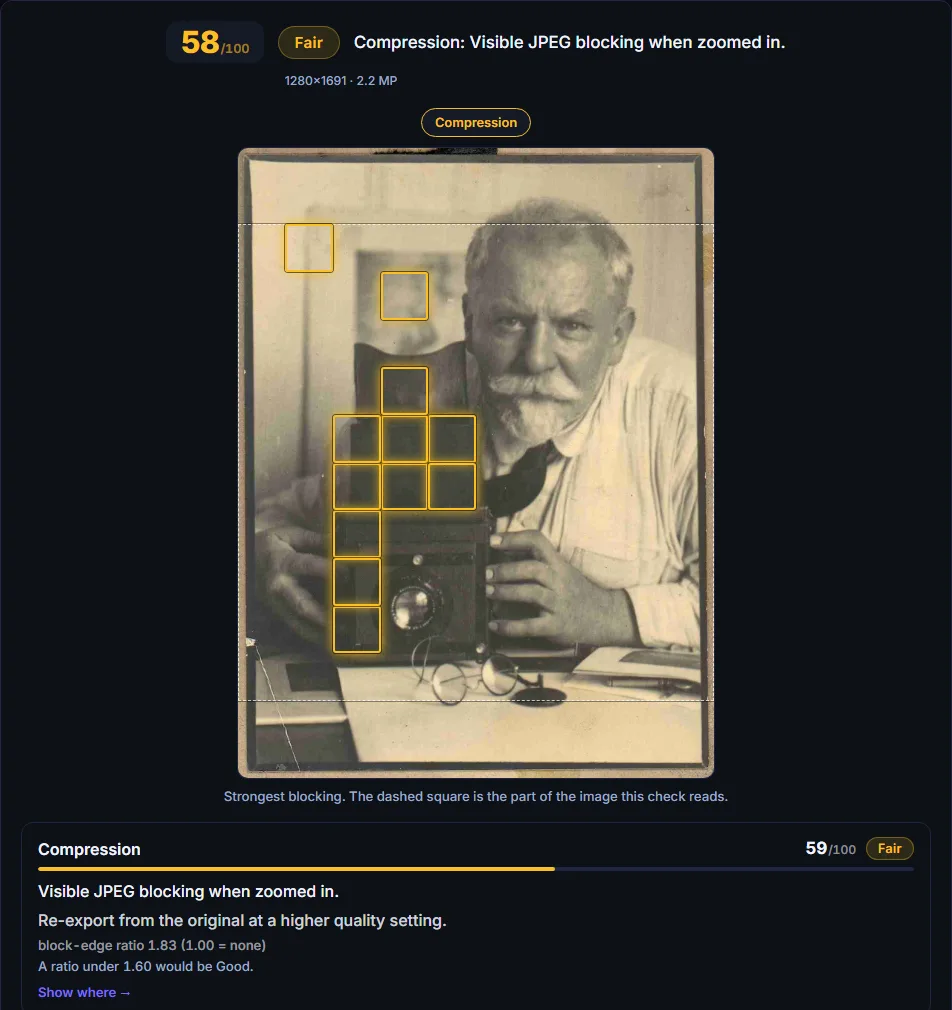
One photo in: a score, a plain-word verdict, and the problem marked on your own image.
- Focus, noise, JPEG blocking, blown highlights and crushed shadows
- The JPEG quality the file was saved at, read from the file itself
- An estimate of how people would rate it, from 1,755 rated photographs
- Every finding shown where it is, with what to do about it
Free, no sign-up. Your files are deleted as soon as the job finishes.